

Explore related categories


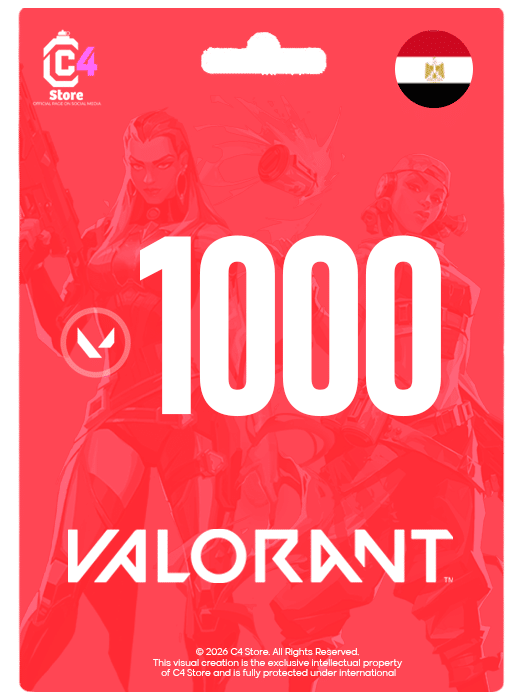
1000 VP – Egypt
Original price was: EGP500.00.EGP475.00Current price is: EGP475.00.This code works all regions
How to use the code ?
Log in to your VALORANT game client
Click on the VALORANT icon located to the right of the Store tab
Select “Prepaid Cards & Codes”
Enter the digital code you received
Press “Submit”.
Valorant Points will be instantly added to your account

11000 VP – Egypt
Original price was: EGP5,500.00.EGP4,900.00Current price is: EGP4,900.00.This code works all regions
How to use the code ?
-
- Log in to your VALORANT game client
- Click on the VALORANT icon located to the right of the Store tab
- Select “Prepaid Cards & Codes”
- Enter the digital code you received
- Press “Submit”.
- Valorant Points will be instantly added to your account
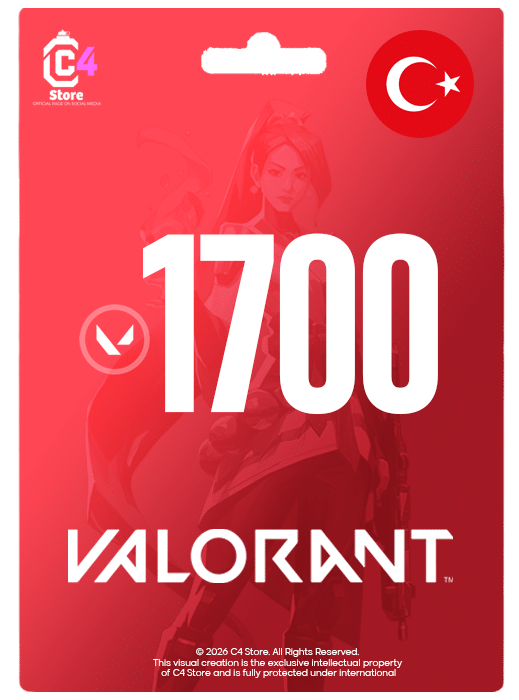
1700 VP – Turkey
Original price was: EGP750.00.EGP650.00Current price is: EGP650.00.This code works only for Turkey region account, no refunds or exchanges available after code delivery.
How to use the code ?
- Log in to your VALORANT game client
- Click on the VALORANT icon located to the right of the Store tab
- Select “Prepaid Cards & Codes”
- Enter the digital code you received
- Press “Submit”.
- Valorant Points will be instantly added to your account

2050 VP – Egypt
Original price was: EGP1,100.00.EGP990.00Current price is: EGP990.00.This code works all regions
How to use the code ?
-
- Log in to your VALORANT game client
- Click on the VALORANT icon located to the right of the Store tab
- Select “Prepaid Cards & Codes”
- Enter the digital code you received
- Press “Submit”.
- Valorant Points will be instantly added to your account
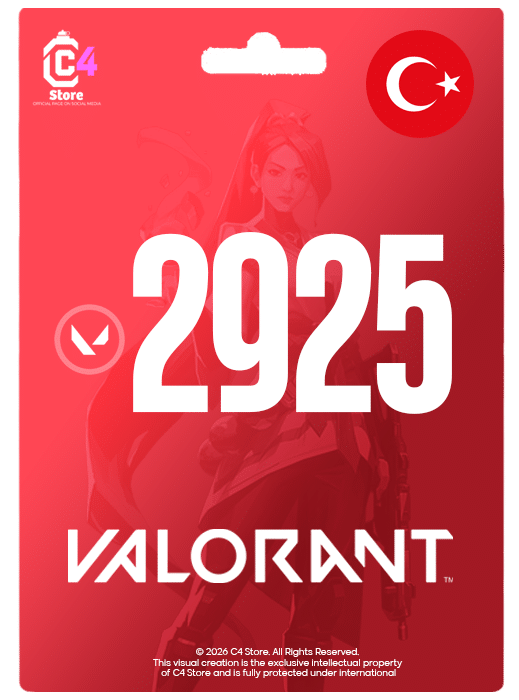
2925 VP – Turkey
Original price was: EGP1,230.00.EGP1,100.00Current price is: EGP1,100.00.This code works only for Turkey region account, no refunds or exchanges available after code delivery.
How to use the code ?
- Log in to your VALORANT game client
- Click on the VALORANT icon located to the right of the Store tab
- Select “Prepaid Cards & Codes”
- Enter the digital code you received
- Press “Submit”.
- Valorant Points will be instantly added to your account
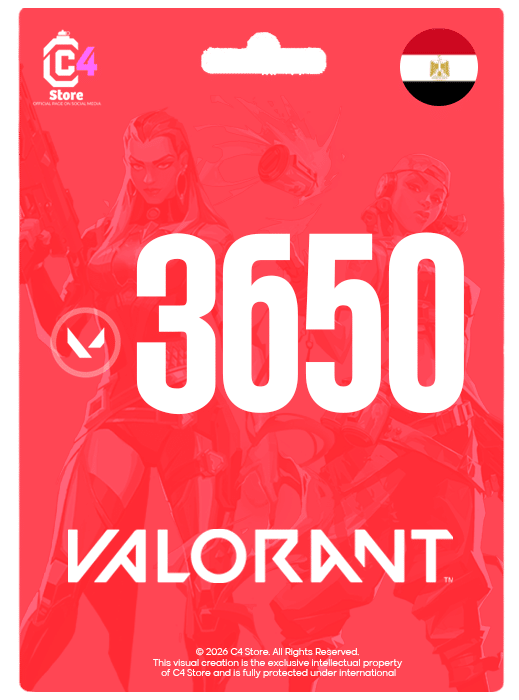
3650 VP – Egypt
Original price was: EGP1,850.00.EGP1,710.00Current price is: EGP1,710.00.This code works all regions
How to use the code ?
-
- Log in to your VALORANT game client
- Click on the VALORANT icon located to the right of the Store tab
- Select “Prepaid Cards & Codes”
- Enter the digital code you received
- Press “Submit”.
- Valorant Points will be instantly added to your account
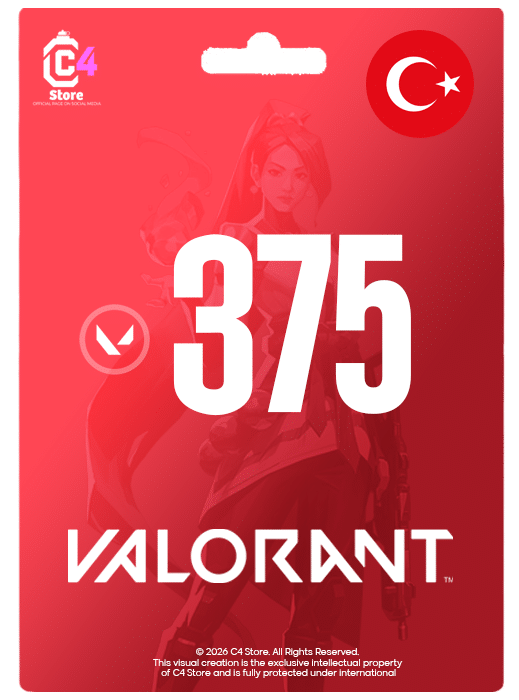
375 VP – Turkey
Original price was: EGP185.00.EGP175.00Current price is: EGP175.00.This code works only for Turkey region account, no refunds or exchanges available after code delivery.
How to use the code ?
- Log in to your VALORANT game client
- Click on the VALORANT icon located to the right of the Store tab
- Select “Prepaid Cards & Codes”
- Enter the digital code you received
- Press “Submit”.
- Valorant Points will be instantly added to your account
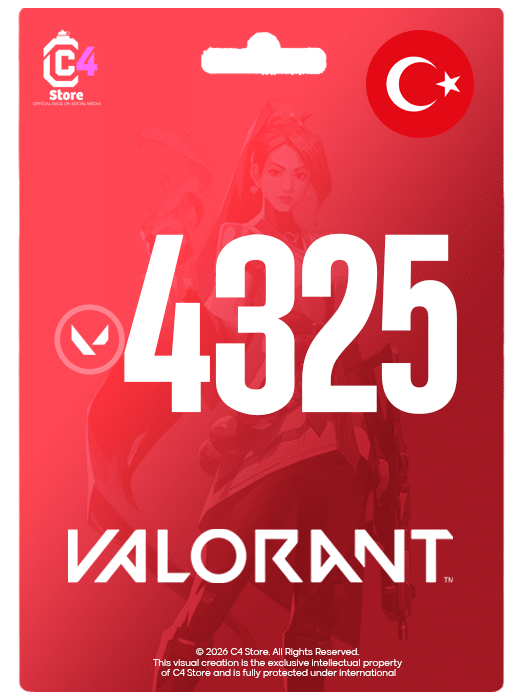
4325 VP – Turkey
Original price was: EGP1,900.00.EGP1,700.00Current price is: EGP1,700.00.This code works only for Turkey region account, no refunds or exchanges available after code delivery.
How to use the code ?
- Log in to your VALORANT game client
- Click on the VALORANT icon located to the right of the Store tab
- Select “Prepaid Cards & Codes”
- Enter the digital code you received
- Press “Submit”.
- Valorant Points will be instantly added to your account
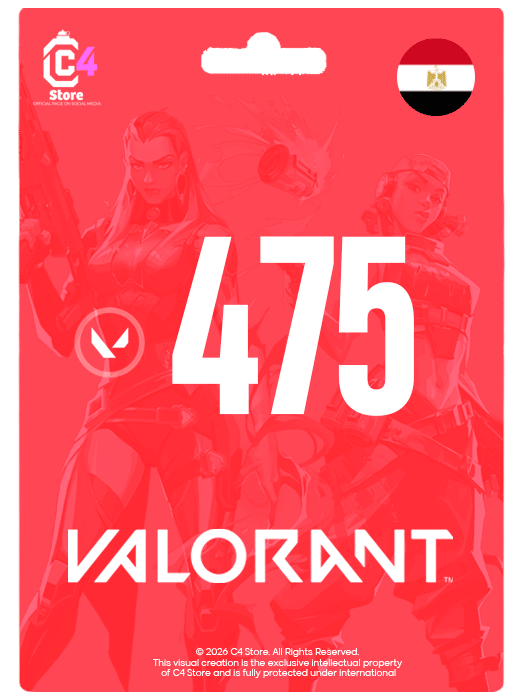
475 VP – Egypt
Original price was: EGP260.00.EGP245.00Current price is: EGP245.00.This code works all regions
How to use the code ?
-
- Log in to your VALORANT game client
- Click on the VALORANT icon located to the right of the Store tab
- Select “Prepaid Cards & Codes”
- Enter the digital code you received
- Press “Submit”.
- Valorant Points will be instantly added to your account

5350 VP – Egypt
Original price was: EGP2,700.00.EGP2,470.00Current price is: EGP2,470.00.This code works all regions
How to use the code ?
-
- Log in to your VALORANT game client
- Click on the VALORANT icon located to the right of the Store tab
- Select “Prepaid Cards & Codes”
- Enter the digital code you received
- Press “Submit”.
- Valorant Points will be instantly added to your account
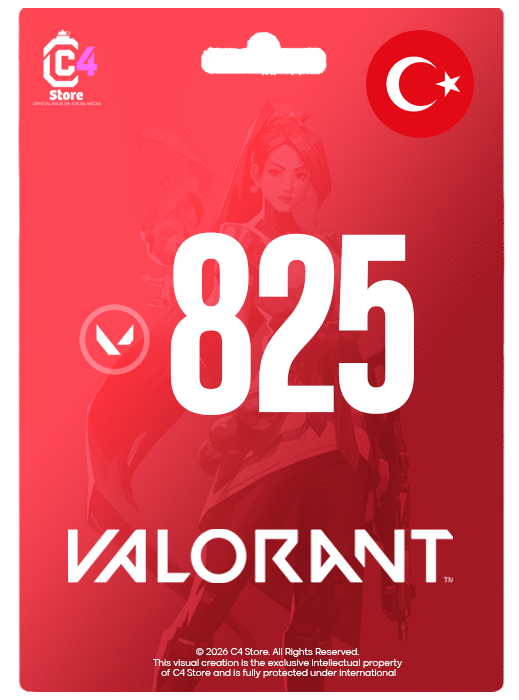
825 VP – Turkey
Original price was: EGP380.00.EGP330.00Current price is: EGP330.00.This code works only for Turkey region account, no refunds or exchanges available after code delivery.
How to use the code ?
- Log in to your VALORANT game client
- Click on the VALORANT icon located to the right of the Store tab
- Select “Prepaid Cards & Codes”
- Enter the digital code you received
- Press “Submit”.
- Valorant Points will be instantly added to your account
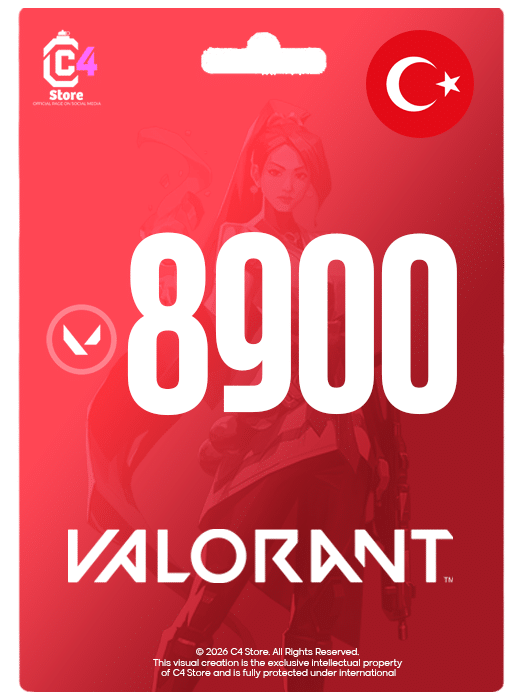
8900 VP – Turkey
Original price was: EGP3,900.00.EGP3,450.00Current price is: EGP3,450.00.This code works only for Turkey region account, no refunds or exchanges available after code delivery.
How to use the code ?
- Log in to your VALORANT game client
- Click on the VALORANT icon located to the right of the Store tab
- Select “Prepaid Cards & Codes”
- Enter the digital code you received
- Press “Submit”.
- Valorant Points will be instantly added to your account


