


$10 Steam Wallet Code
Original price was: EGP590.00.EGP550.00Current price is: EGP550.00.How to use the code ?
1. After your payment get your code from account dashboard on our website
2. You can activate the key from Here
- This code is valid for any country with the USD currency .
٠

$100 Steam Wallet Code
Original price was: EGP5,900.00.EGP5,500.00Current price is: EGP5,500.00.How to use the code ?
1. After your payment get your code from account dashboard on our website
2. You can activate the key from Here
- This code is valid for any country with the USD currency .

$20 Steam Wallet Code
Original price was: EGP1,170.00.EGP1,100.00Current price is: EGP1,100.00.How to use the code ?
1. After your payment get your code from account dashboard on our website
2. You can activate the key from Here
- This code is valid for any country with the USD currency .

$5 Steam Wallet Code
Original price was: EGP300.00.EGP280.00Current price is: EGP280.00.How to use the code ?
1. After your payment get your code from account dashboard on our website
2. You can activate the key from Here
- This code is valid for any country with the USD currency ٠

$50 Steam Wallet Code
Original price was: EGP3,000.00.EGP2,750.00Current price is: EGP2,750.00.How to use the code ?
1. After your payment get your code from account dashboard on our website
2. You can activate the key from Here
- This code is valid for any country with the USD currency .
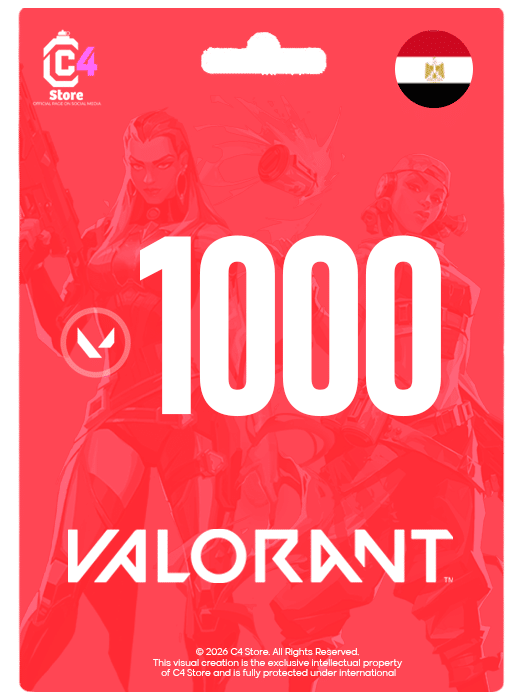
1000 VP – Egypt
Original price was: EGP500.00.EGP475.00Current price is: EGP475.00.This code works all regions
How to use the code ?
Log in to your VALORANT game client
Click on the VALORANT icon located to the right of the Store tab
Select “Prepaid Cards & Codes”
Enter the digital code you received
Press “Submit”.
Valorant Points will be instantly added to your account

11000 VP – Egypt
Original price was: EGP5,500.00.EGP4,900.00Current price is: EGP4,900.00.This code works all regions
How to use the code ?
-
- Log in to your VALORANT game client
- Click on the VALORANT icon located to the right of the Store tab
- Select “Prepaid Cards & Codes”
- Enter the digital code you received
- Press “Submit”.
- Valorant Points will be instantly added to your account
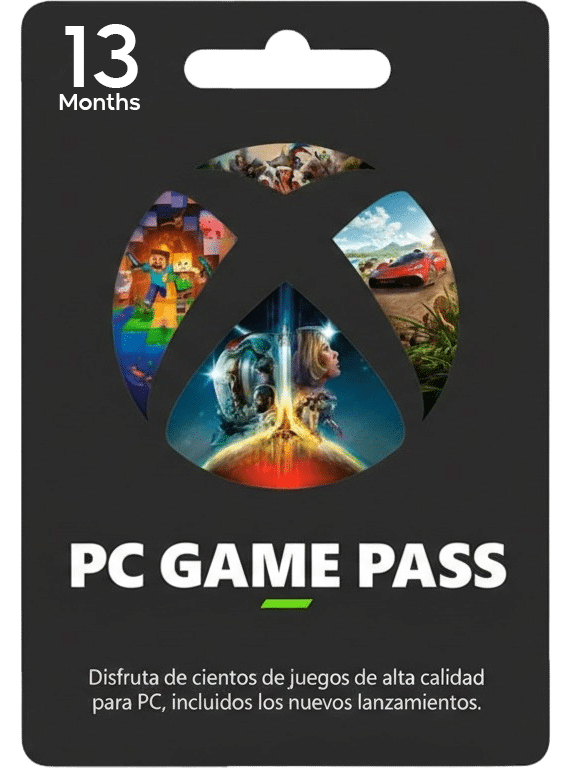
13 Months PC Game Pass
Original price was: EGP1,500.00.EGP1,050.00Current price is: EGP1,050.00.2 Months PC Game Pass
-
بتاخد الحساب اللي عليه اشتراك Game Pass.
-
تضيفه في Microsoft Store على جهازك.
-
بعد ما تضيفه، تفتح تطبيق Xbox App.
-
تسجل دخول بحسابك الشخصي داخل الـ Xbox App.
-
دلوقتي تقدر تحمل وتشغل ألعاب الطرف الأول (زي ألعاب استوديوهات إكس بوكس) من حسابك الشخصي عادي جدًا، والتقدم بيتحفظ على حسابك أنت.
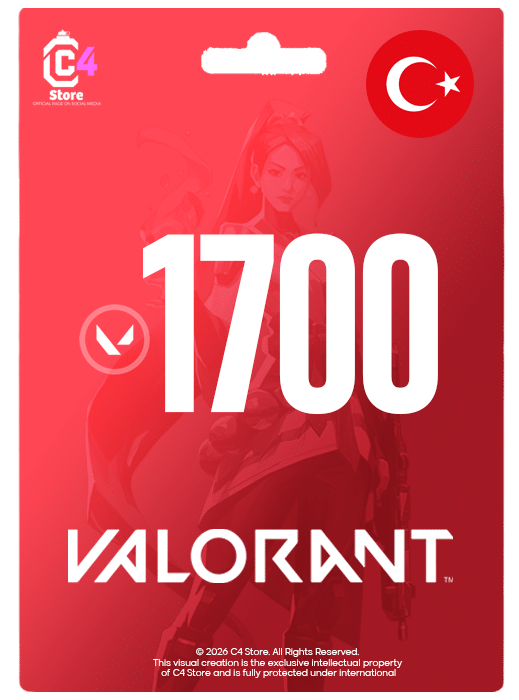
1700 VP – Turkey
Original price was: EGP750.00.EGP650.00Current price is: EGP650.00.This code works only for Turkey region account, no refunds or exchanges available after code delivery.
How to use the code ?
- Log in to your VALORANT game client
- Click on the VALORANT icon located to the right of the Store tab
- Select “Prepaid Cards & Codes”
- Enter the digital code you received
- Press “Submit”.
- Valorant Points will be instantly added to your account
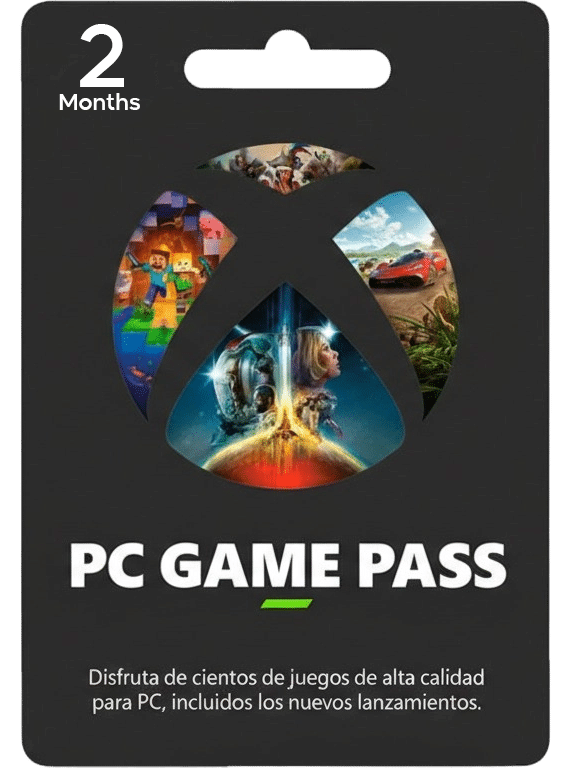
2 Months PC Game Pass
Original price was: EGP300.00.EGP220.00Current price is: EGP220.00.2 Months PC Game Pass
-
بتاخد الحساب اللي عليه اشتراك Game Pass.
-
تضيفه في Microsoft Store على جهازك.
-
بعد ما تضيفه، تفتح تطبيق Xbox App.
-
تسجل دخول بحسابك الشخصي داخل الـ Xbox App.
-
دلوقتي تقدر تحمل وتشغل ألعاب الطرف الأول (زي ألعاب استوديوهات إكس بوكس) من حسابك الشخصي عادي جدًا، والتقدم بيتحفظ على حسابك أنت.

2050 VP – Egypt
Original price was: EGP1,100.00.EGP990.00Current price is: EGP990.00.This code works all regions
How to use the code ?
-
- Log in to your VALORANT game client
- Click on the VALORANT icon located to the right of the Store tab
- Select “Prepaid Cards & Codes”
- Enter the digital code you received
- Press “Submit”.
- Valorant Points will be instantly added to your account
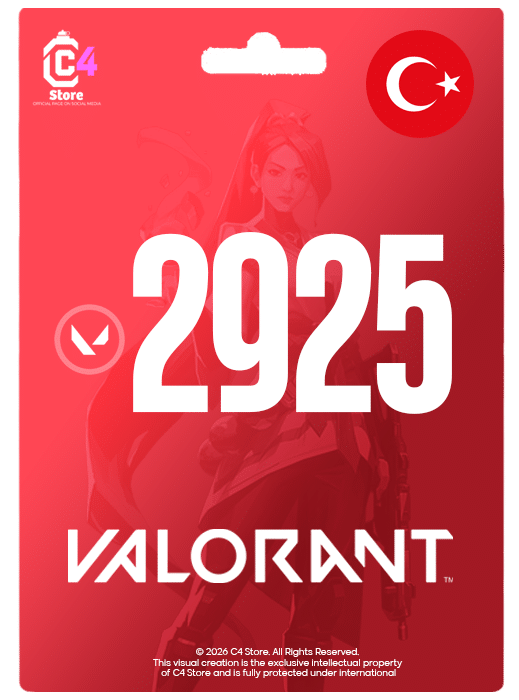
2925 VP – Turkey
Original price was: EGP1,230.00.EGP1,100.00Current price is: EGP1,100.00.This code works only for Turkey region account, no refunds or exchanges available after code delivery.
How to use the code ?
- Log in to your VALORANT game client
- Click on the VALORANT icon located to the right of the Store tab
- Select “Prepaid Cards & Codes”
- Enter the digital code you received
- Press “Submit”.
- Valorant Points will be instantly added to your account
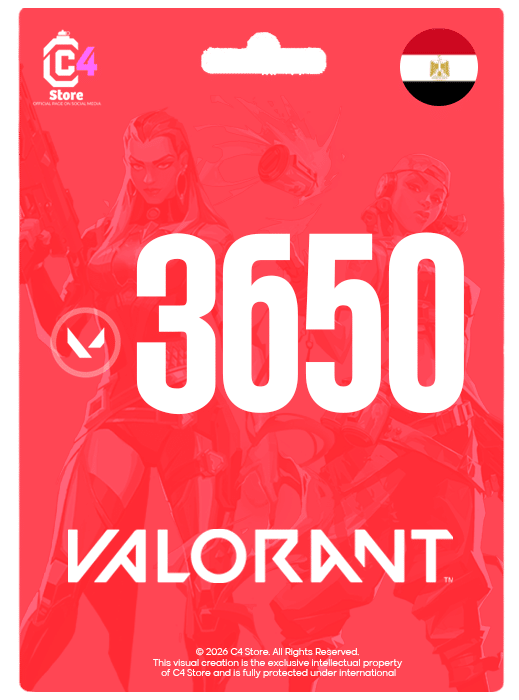
3650 VP – Egypt
Original price was: EGP1,850.00.EGP1,710.00Current price is: EGP1,710.00.This code works all regions
How to use the code ?
-
- Log in to your VALORANT game client
- Click on the VALORANT icon located to the right of the Store tab
- Select “Prepaid Cards & Codes”
- Enter the digital code you received
- Press “Submit”.
- Valorant Points will be instantly added to your account
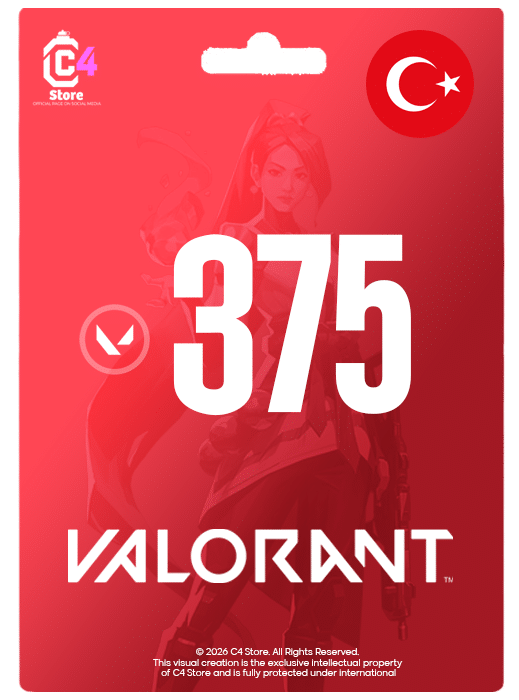
375 VP – Turkey
Original price was: EGP185.00.EGP175.00Current price is: EGP175.00.This code works only for Turkey region account, no refunds or exchanges available after code delivery.
How to use the code ?
- Log in to your VALORANT game client
- Click on the VALORANT icon located to the right of the Store tab
- Select “Prepaid Cards & Codes”
- Enter the digital code you received
- Press “Submit”.
- Valorant Points will be instantly added to your account
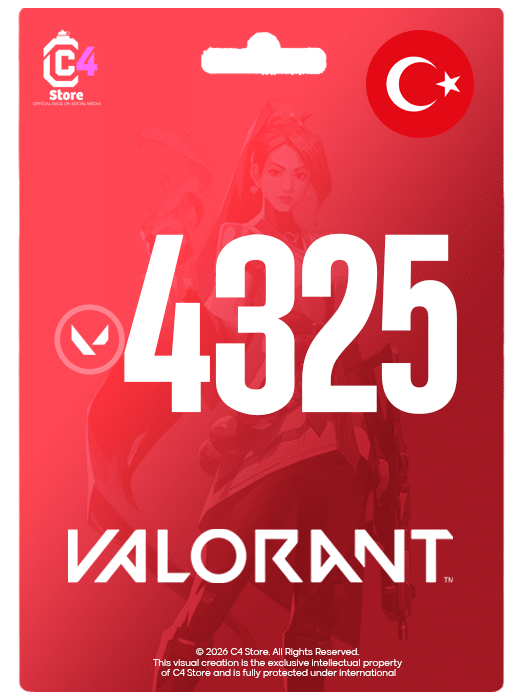
4325 VP – Turkey
Original price was: EGP1,900.00.EGP1,700.00Current price is: EGP1,700.00.This code works only for Turkey region account, no refunds or exchanges available after code delivery.
How to use the code ?
- Log in to your VALORANT game client
- Click on the VALORANT icon located to the right of the Store tab
- Select “Prepaid Cards & Codes”
- Enter the digital code you received
- Press “Submit”.
- Valorant Points will be instantly added to your account
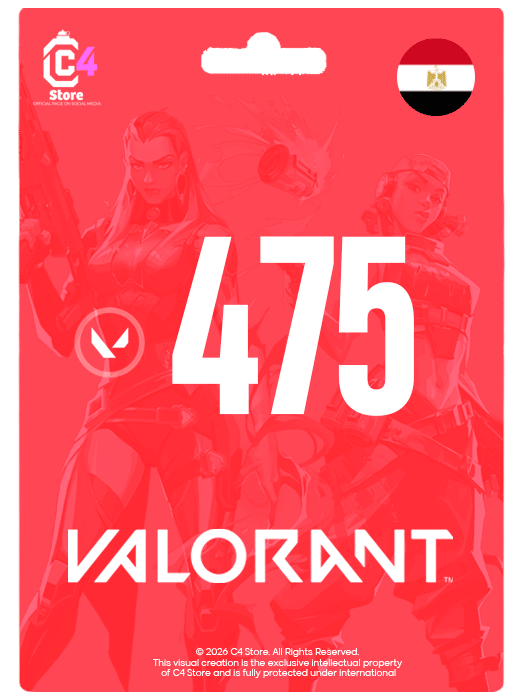
475 VP – Egypt
Original price was: EGP260.00.EGP245.00Current price is: EGP245.00.This code works all regions
How to use the code ?
-
- Log in to your VALORANT game client
- Click on the VALORANT icon located to the right of the Store tab
- Select “Prepaid Cards & Codes”
- Enter the digital code you received
- Press “Submit”.
- Valorant Points will be instantly added to your account
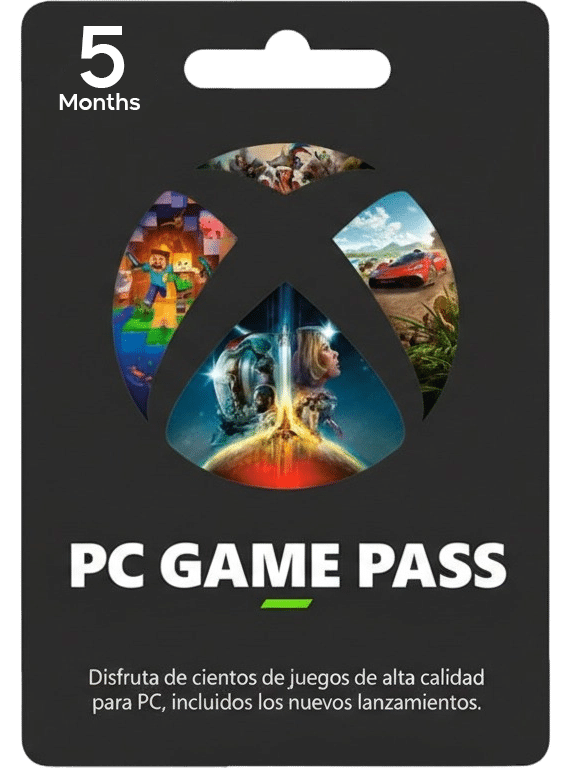
5 Months PC Game Pass
Original price was: EGP750.00.EGP550.00Current price is: EGP550.00.2 Months PC Game Pass
-
بتاخد الحساب اللي عليه اشتراك Game Pass.
-
تضيفه في Microsoft Store على جهازك.
-
بعد ما تضيفه، تفتح تطبيق Xbox App.
-
تسجل دخول بحسابك الشخصي داخل الـ Xbox App.
-
دلوقتي تقدر تحمل وتشغل ألعاب الطرف الأول (زي ألعاب استوديوهات إكس بوكس) من حسابك الشخصي عادي جدًا، والتقدم بيتحفظ على حسابك أنت.

5350 VP – Egypt
Original price was: EGP2,700.00.EGP2,470.00Current price is: EGP2,470.00.This code works all regions
How to use the code ?
-
- Log in to your VALORANT game client
- Click on the VALORANT icon located to the right of the Store tab
- Select “Prepaid Cards & Codes”
- Enter the digital code you received
- Press “Submit”.
- Valorant Points will be instantly added to your account
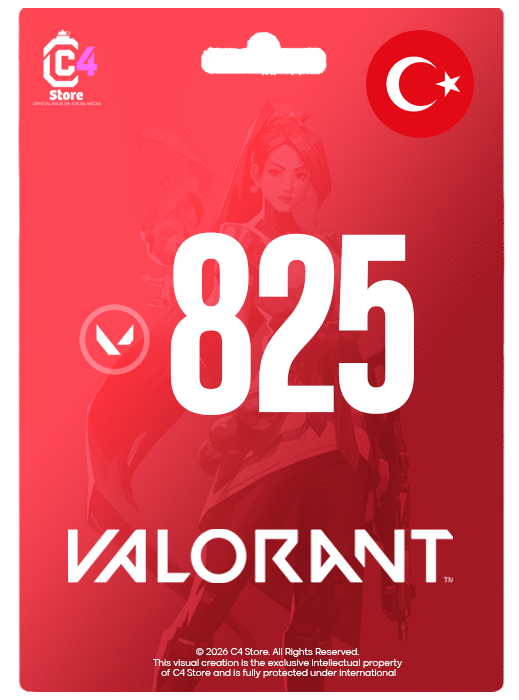
825 VP – Turkey
Original price was: EGP380.00.EGP330.00Current price is: EGP330.00.This code works only for Turkey region account, no refunds or exchanges available after code delivery.
How to use the code ?
- Log in to your VALORANT game client
- Click on the VALORANT icon located to the right of the Store tab
- Select “Prepaid Cards & Codes”
- Enter the digital code you received
- Press “Submit”.
- Valorant Points will be instantly added to your account
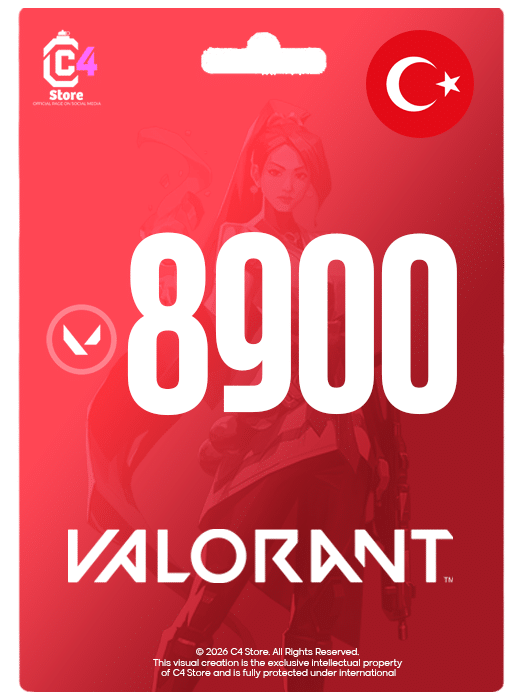
8900 VP – Turkey
Original price was: EGP3,900.00.EGP3,450.00Current price is: EGP3,450.00.This code works only for Turkey region account, no refunds or exchanges available after code delivery.
How to use the code ?
- Log in to your VALORANT game client
- Click on the VALORANT icon located to the right of the Store tab
- Select “Prepaid Cards & Codes”
- Enter the digital code you received
- Press “Submit”.
- Valorant Points will be instantly added to your account


